Before You Install That Viral Mobile Game, Verify It Is the Real One
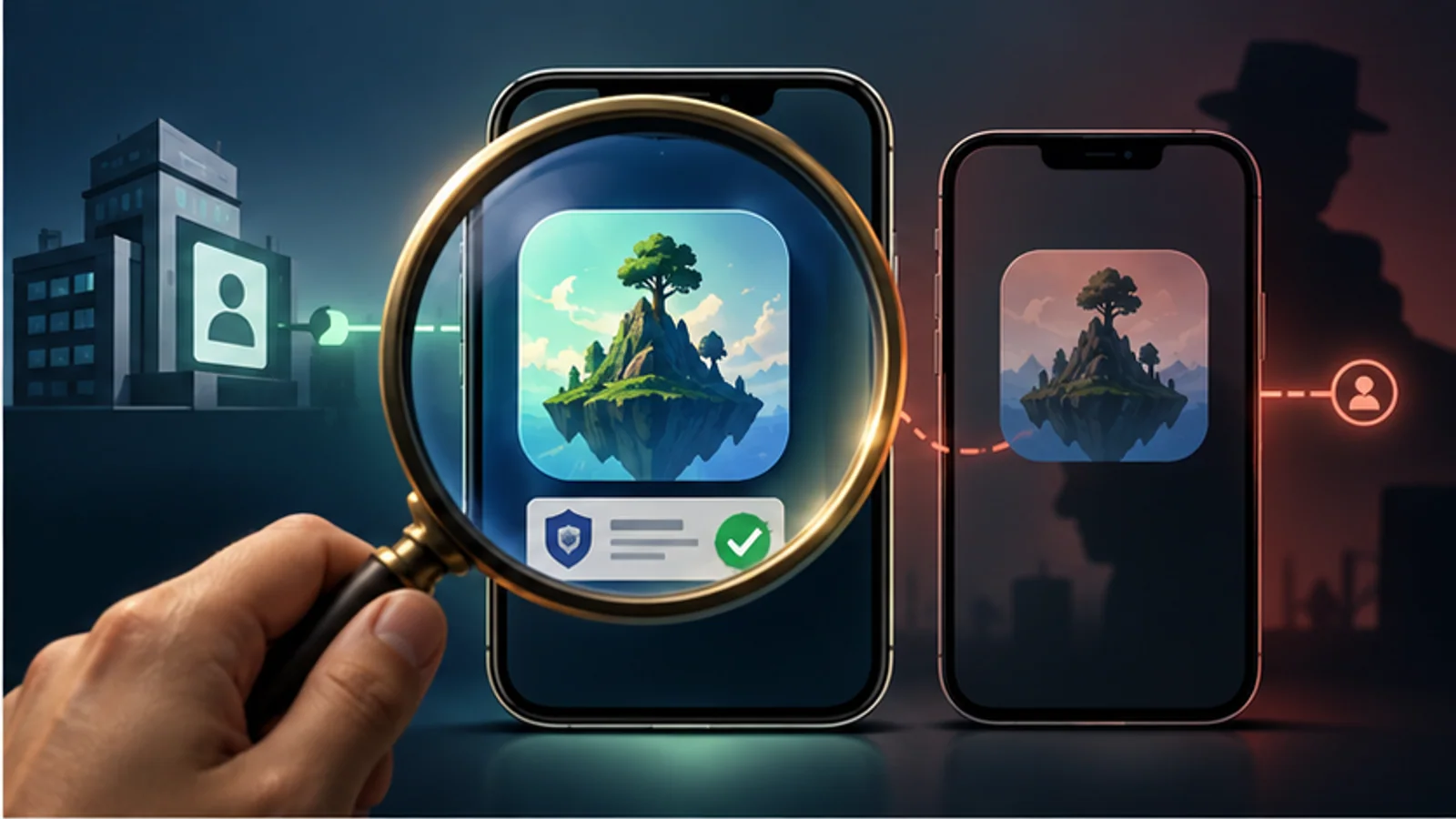
Image: OGamm editorial illustration generated with OpenAI
The ad shows one game. The download opens another. Sometimes that is ordinary misleading marketing; sometimes the name, icon, or screenshots imitate a different product closely enough to catch hurried players.
Use this identity check before installing.
1. Start from an official route
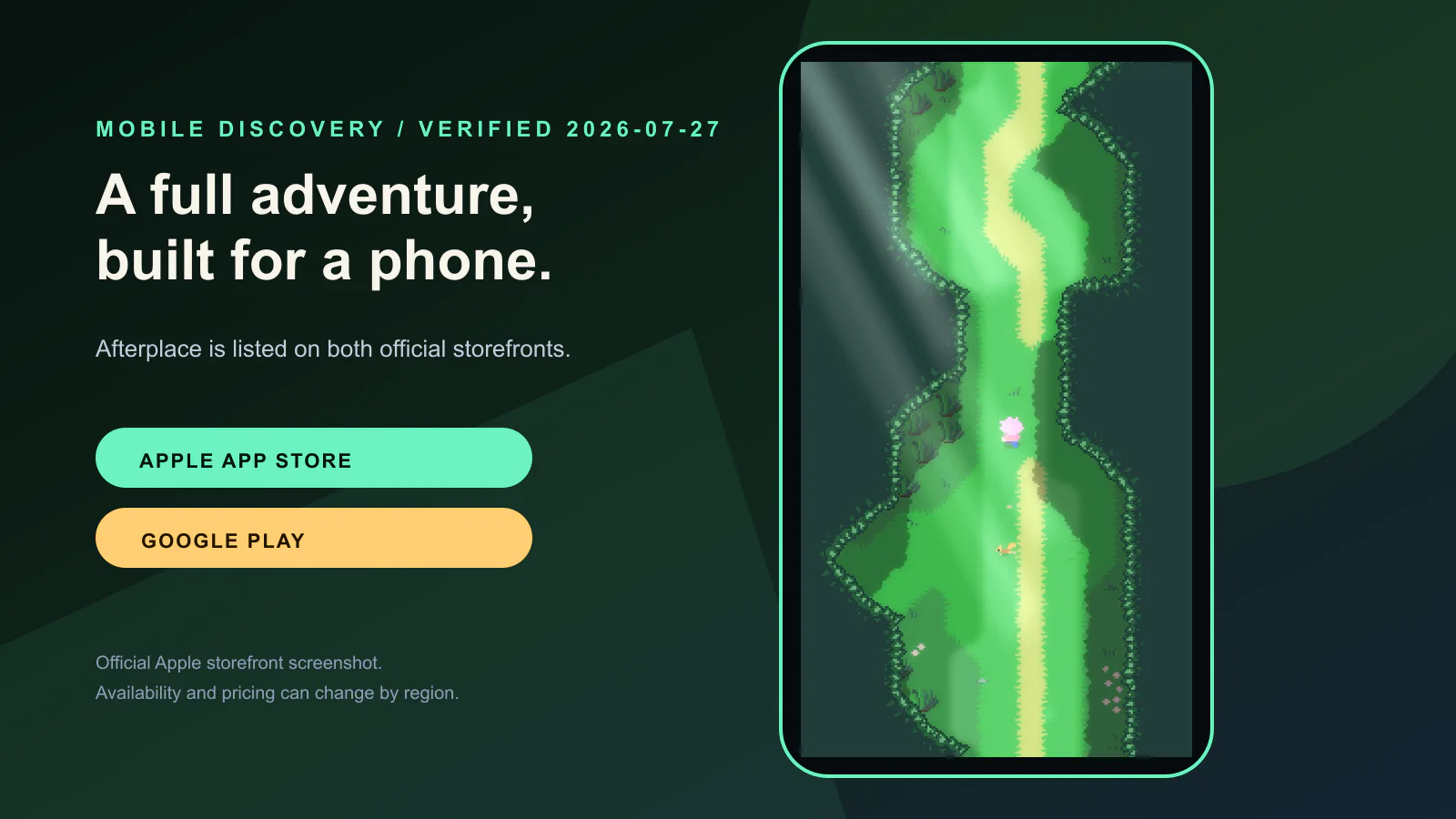
Search for the developer’s official website or verified social profile, then follow its Apple App Store or Google Play link. A sponsored search result or third-party download page is not equivalent.
2. Match the developer name
Compare the legal or trading name on the store with the game’s official site. Small spelling changes, added punctuation, and generic publisher names deserve another check. A real studio can change publishers, but that change should be explainable from its own channels.
3. Read the screenshots as evidence
Do the screenshots show the same perspective, interface, and repeated action as the ad? Store art can be polished, but a page that never displays the advertised mechanic is not strong evidence that the mechanic dominates play.
4. Inspect the commercial model
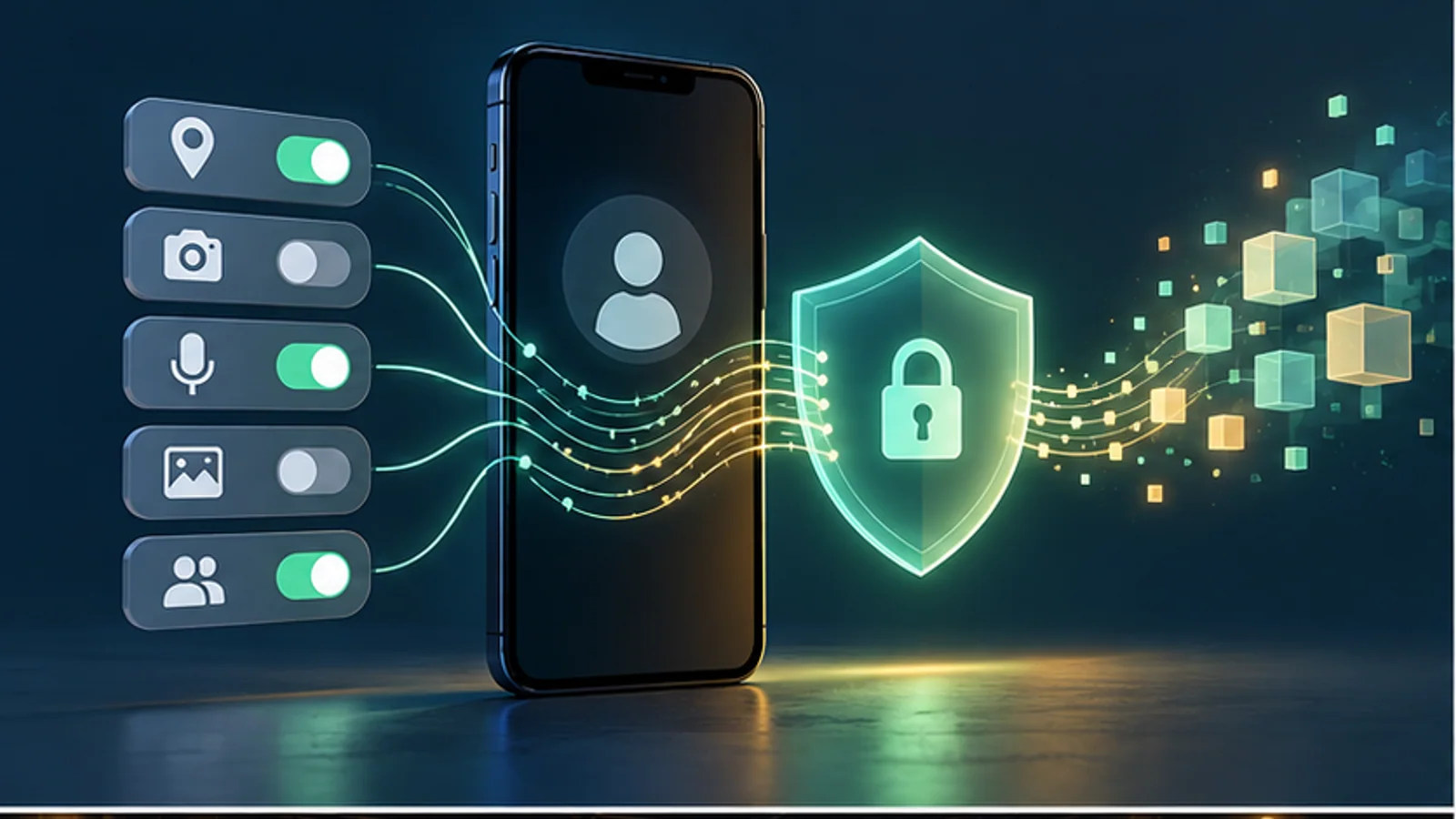
Look for price, in-app purchases, subscriptions, ads, random items, and required accounts. “Free” is not a complete monetization description. On Apple, open the privacy section; on Google Play, inspect Data safety. These sections are developer-provided disclosures, not independent audits, but their absence or inconsistency is useful information.
5. Check the update trail
Read recent version notes and support links. A functioning support route, coherent update history, and matching domain do not prove quality, but they make the product easier to identify and hold accountable.
Red flags that should stop the install
- The download is an APK from an unfamiliar mirror when an official store version supposedly exists.
- The developer identity differs across the ad, website, and store with no explanation.
- Screenshots are composites that never show a playable interface.
- Reviews repeatedly describe a different game than the advertisement.
- The app requests permissions unrelated to its visible function.
A cleaner discovery habit
Save the official listing, not the ad. If a creator recommends a game, ask for the direct store link and platform. When OGamm covers a title, we link the first-party site or storefront so readers can verify the current product themselves.
Official reference points
- Apple App Review Guidelines describe requirements concerning accurate metadata, privacy, purchases, and copycat behavior.
- Google Play Developer Program Policies provide the current policy hub for impersonation, metadata, privacy, ads, and monetization.
This guide is maintained for https://ogamm.com/. Policies and store pages change; verify the current listing on the device and in the region where you plan to install.
mobile gamesapp store safetygame discoverylookalike appsverification